Kerretv Webinars
The Seminole Tribe of Florida's Native Learning Center supports the primary objectives of NAHASDA through training that strengthens Housing best practices within Tribal communities. We encourage you to utilize the presentation materials and resources of Kerretv Online and help us spread the word about training in your Tribal communities. Best of all, its FREE!
Upcoming Webinars:
Needs Assessments: From Question to Evidence to Priorities
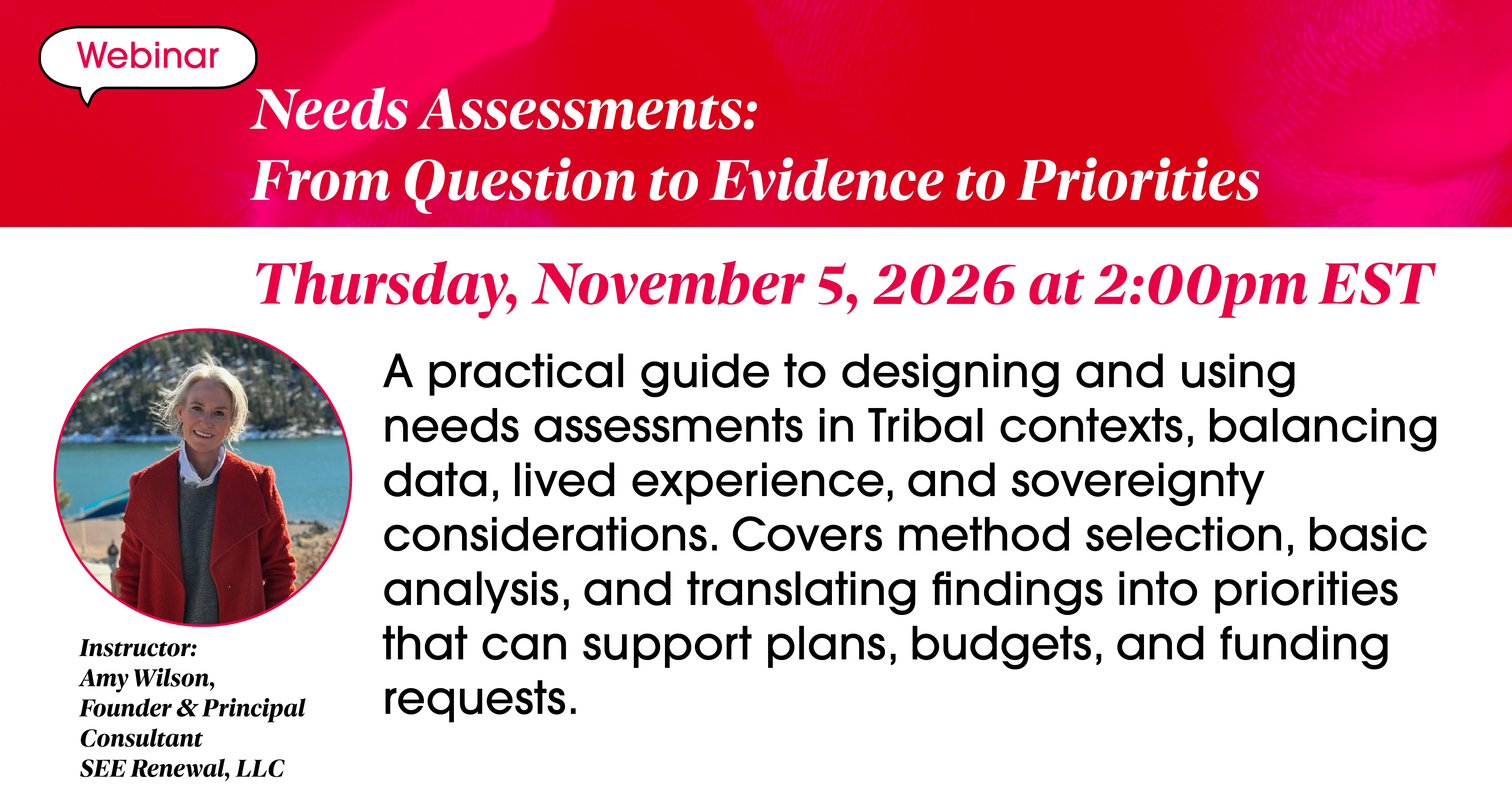
Webinar: Needs Assessments: From Question to Evidence to Priorities
Instructor:
Amy Wilson
Founder & Principal
SEE Renewal, LLC
Date: November 5, 2026
Time: 2:00 – 3:30 pm EST
Training Description:
A practical guide to designing and using needs assessments in Tribal contexts, balancing data, lived experience, and sovereignty considerations. Covers method selection, basic analysis, and translating findings into priorities that can support plans, budgets, and funding requests.
Training Objectives:
• Distinguish needs vs. preferences and define assessment purpose, scope, and decision use
• Select fit-for-purpose methods (surveys, interviews, focus groups, listening sessions, secondary data) and avoid common bias traps
• Apply ethical and culturally appropriate practices (confidentiality, consent, data stewardship, respectful question design)
• Convert findings into prioritized needs statements and funding-ready justification language
We're making it easier than ever to join Kerretv webinars! All upcoming sessions will now be hosted on Microsoft Teams.
Simply click the link below to join the webinar:
If you have issues with registering or accessing the webinar, please contact us at 954-985-2331, and we’ll assist you with access.
Webinar Calendar:
Needs Assessments: From Question to Evidence to Priorities
Webinar: Needs Assessments: From Question to Evidence to Priorities
Instructor:
Amy Wilson
Founder & Principal
SEE Renewal, LLC
Date: November 5, 2026
Time: 2:00 – 3:30 pm EST
Training Description:
A practical guide to designing and using needs assessments in Tribal contexts, balancing data, lived experience, and sovereignty considerations. Covers method selection, basic analysis, and translating findings into priorities that can support plans, budgets, and funding requests.
Training Objectives:
• Distinguish needs vs. preferences and define assessment purpose, scope, and decision use
• Select fit-for-purpose methods (surveys, interviews, focus groups, listening sessions, secondary data) and avoid common bias traps
• Apply ethical and culturally appropriate practices (confidentiality, consent, data stewardship, respectful question design)
• Convert findings into prioritized needs statements and funding-ready justification language
We're making it easier than ever to join Kerretv webinars! All upcoming sessions will now be hosted on Microsoft Teams.
Simply click the link below to join the webinar:
If you have issues with registering or accessing the webinar, please contact us at 954-985-2331, and we’ll assist you with access.
Welcome to the Future of Learning at the Native Learning Center!
As a reminder please DO NOT forward this link as we need ALL participants to Register. If you or someone you know has NOT registered, please call 954-985-2331 to get you or them registered.
Some helpful advice regarding Teams can be found below…
Microsoft Teams Tips:
How to Get Started in Microsoft Teams Trainings
If you have never used or attended a Microsoft Teams Trainings, please read the information below for instruction on how to get started. This application is free and user friendly.
Join a Teams meeting from the app
- From your Calendar, select Join on a meeting before it's started, or one that's in-progress.
- Turn on your camera, select Background filters, and choose how you'd like to appear:
- Select a custom background.
- Select Blur.
- Choose your audio settings.
- Select Join now.
Join a Teams meeting on the web
Don't have the Teams app? You can still join a Teams meeting.
- In your email invite, select Click here to join the meeting.
- You can also use a dial-in number and conference ID from the email to call in.
- You have three choices:
- Download the Windows app: Download the Teams desktop app.
- Continue on this browser: Join a Teams meeting on the web.
- Open your Teams app: If you already have the Teams app, go right to your meeting.
- Type your name.
- Choose your audio and video settings.
- Select Join now.
Depending on meeting settings, you'll get in right away, or go to a lobby where someone in the meeting will admit you.
Please reach out to us here at the Native Learning Center if you need any help connecting!
We are here to serve you
Our Exclusive Services

Upcoming Training
Visit the Training section of our website to learn more about the upcoming trainings that the NLC is providing.
Training
Technical Assistance
To request technical assistance, share some feedback, or even just say hello, please fill in the form.
Support
Resources Collection
The links below provide samples, templates and best practice information.
Resources